Partitur for macOS, Windows and Linux · Free
See inside any song.
Drop in a recording. Partitur maps its beats, bars, chords, key, sections and loudness onto one score you can play and loop, engraves it as sheet music, and gets it ready to practise and to play live. On your own computer, with your files staying where they are.
Free and open source (GPL-3.0). No account needed to analyse a song.
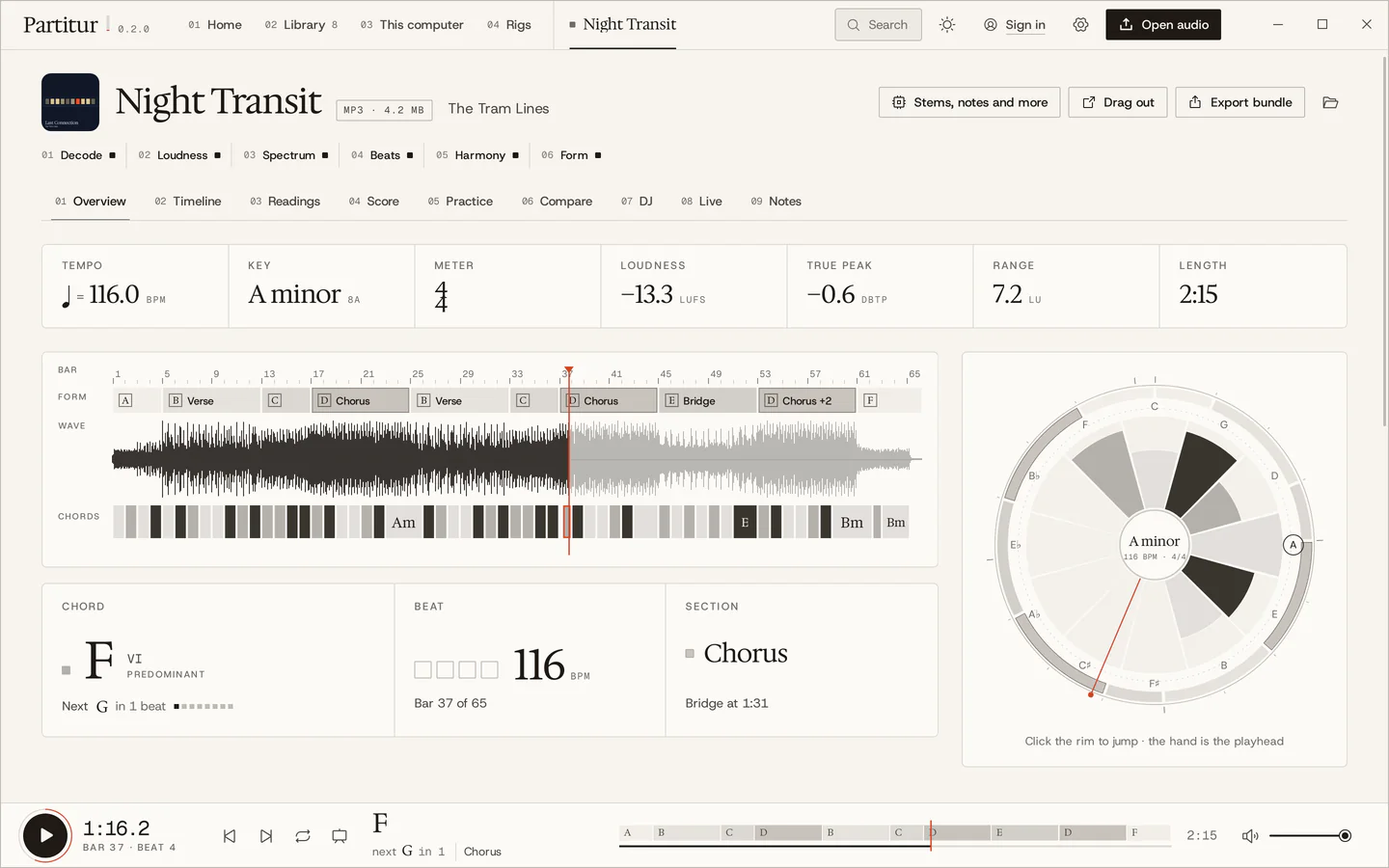
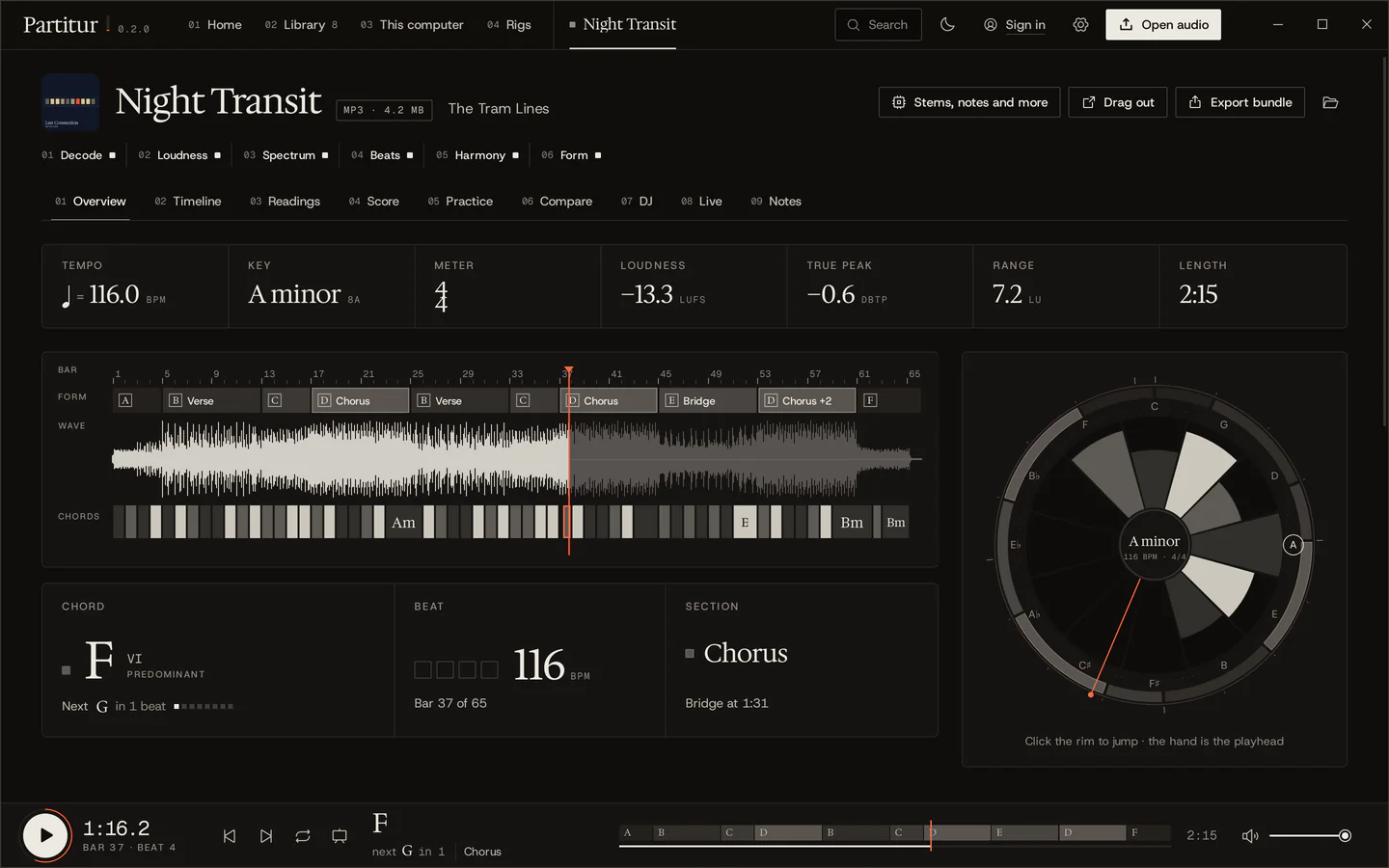
One song, one score.
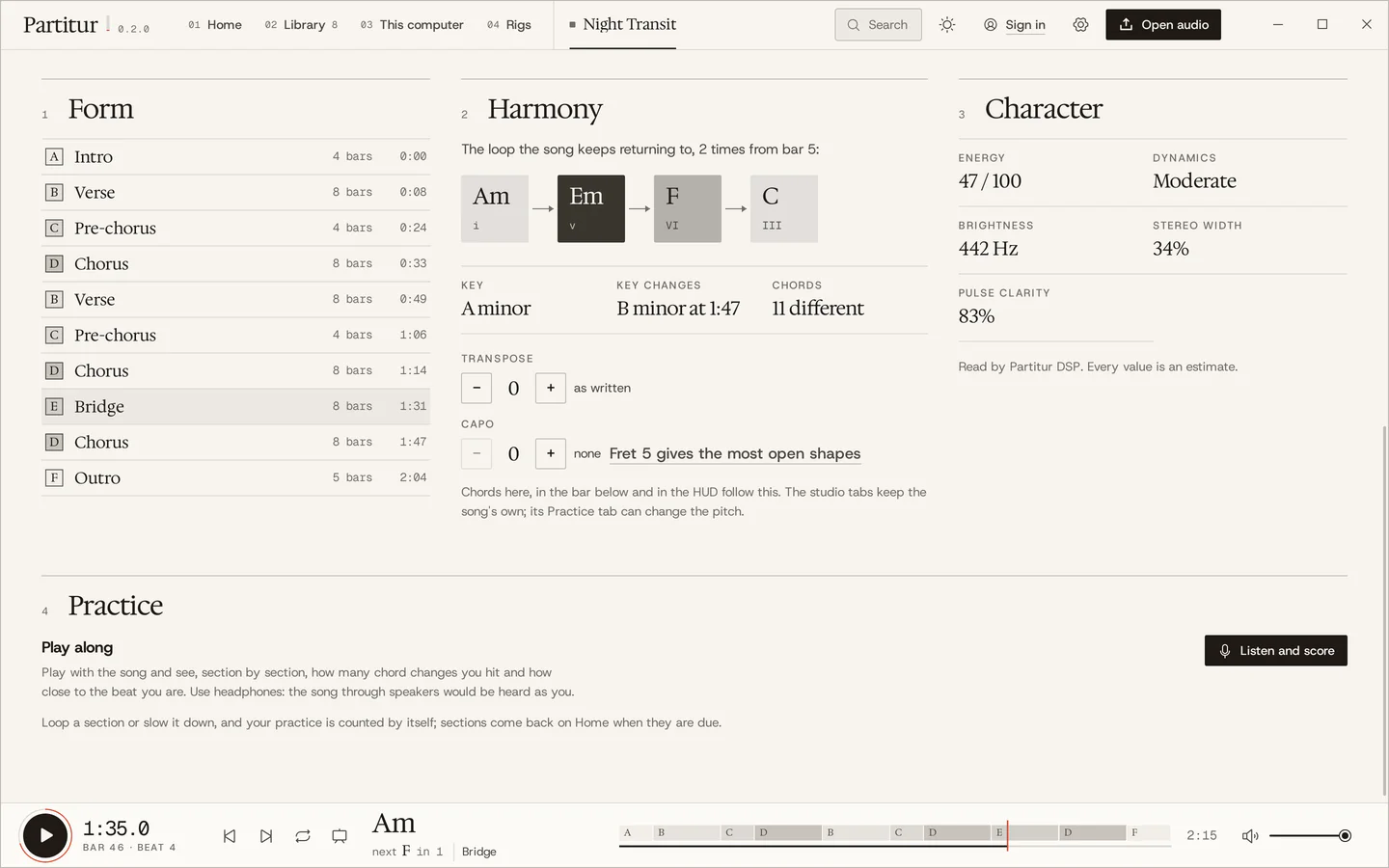
This is Night Transit, the demo song Partitur writes for itself. Every note of it is known, so what follows the music below is exactly what was written. Press play, or click anywhere on the strip.
Next F in 4 beats
Bar 1 of 64
Verse at 0:08
Slowing down keeps the pitch: here your browser does it; in Partitur the practice player does, from 40 to 125 %, and it can transpose too. The chords are shaded by their job in the key: tonic light, predominant mid, dominant dark, as in the app.
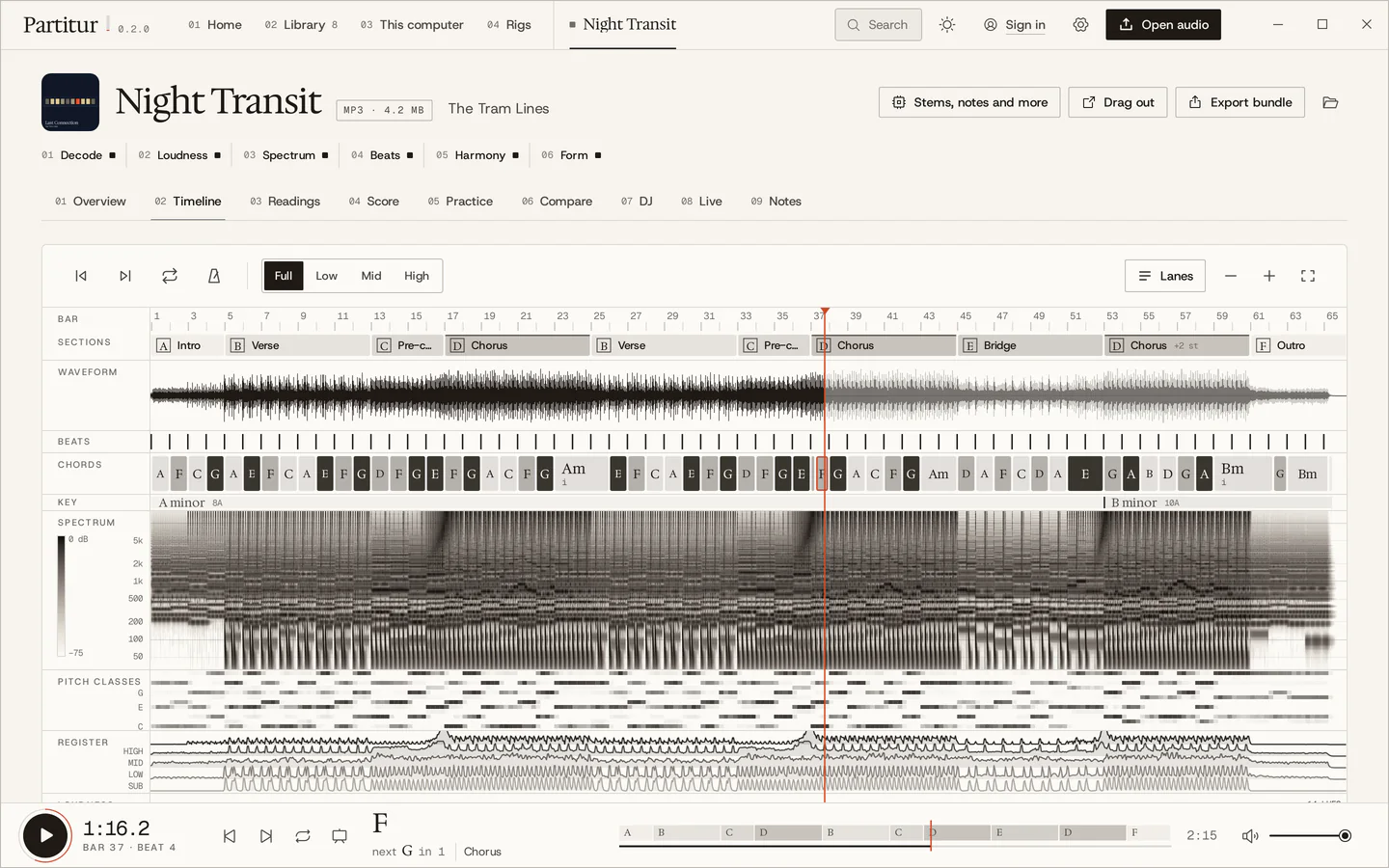
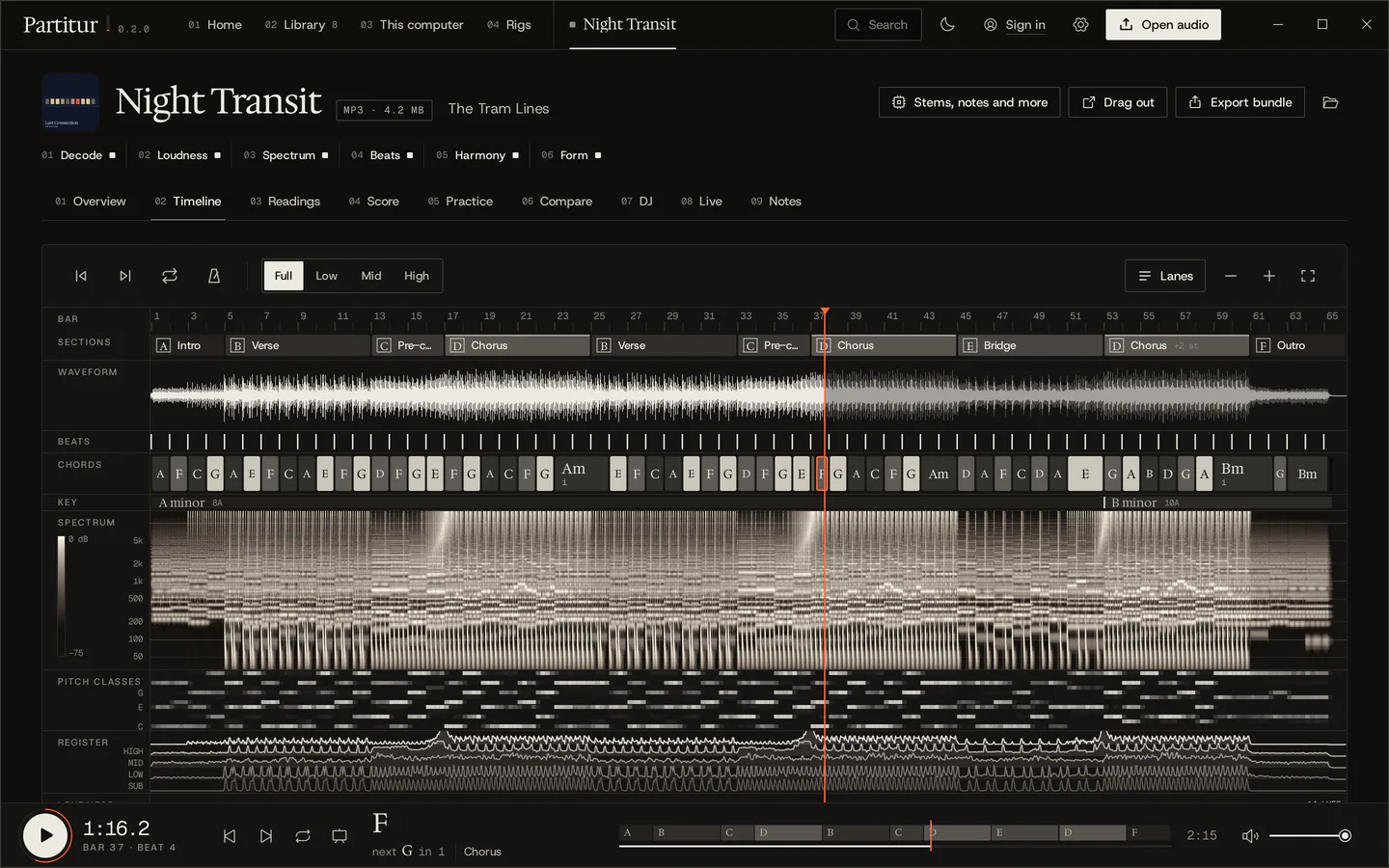
Every reading, one click away.
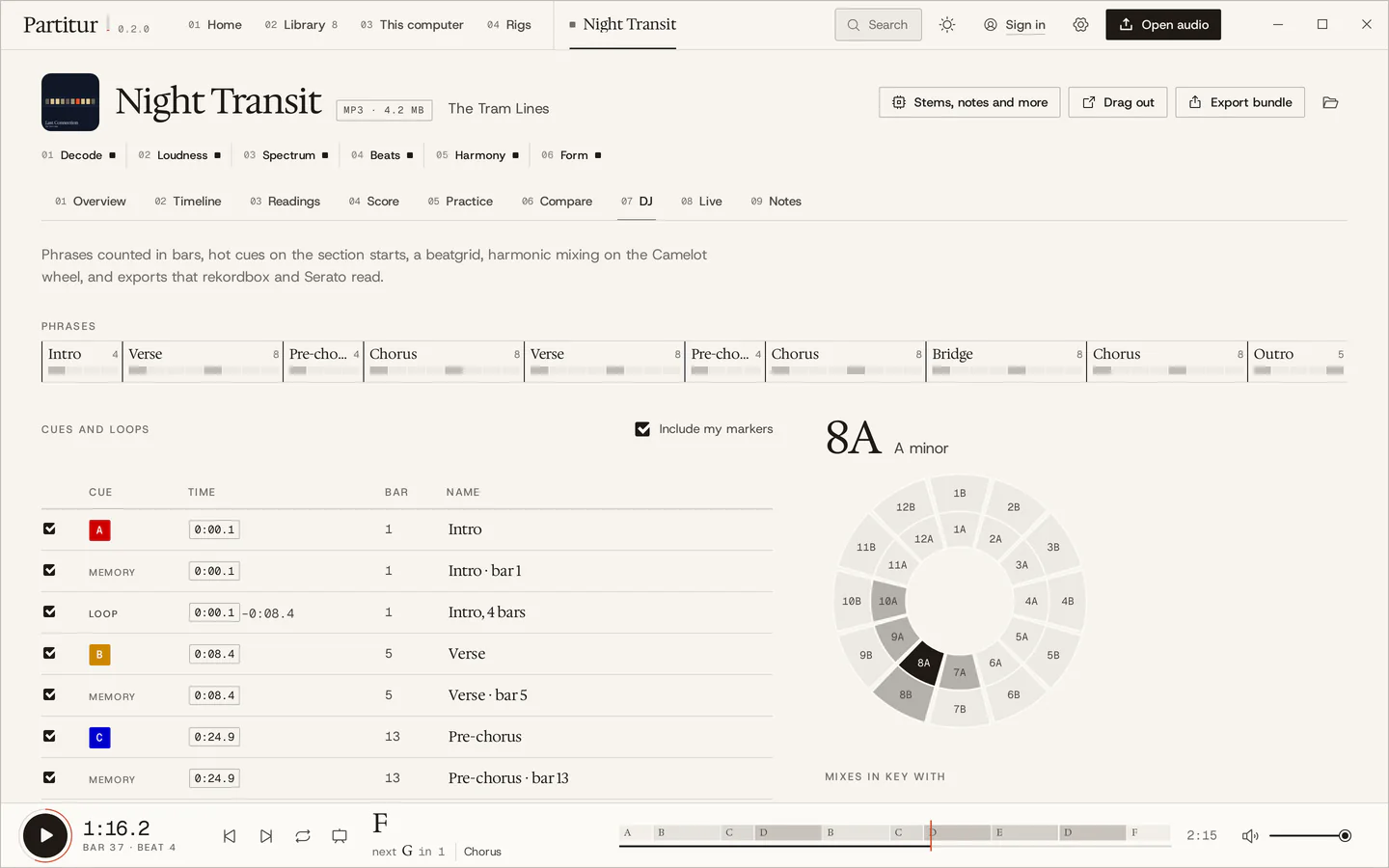
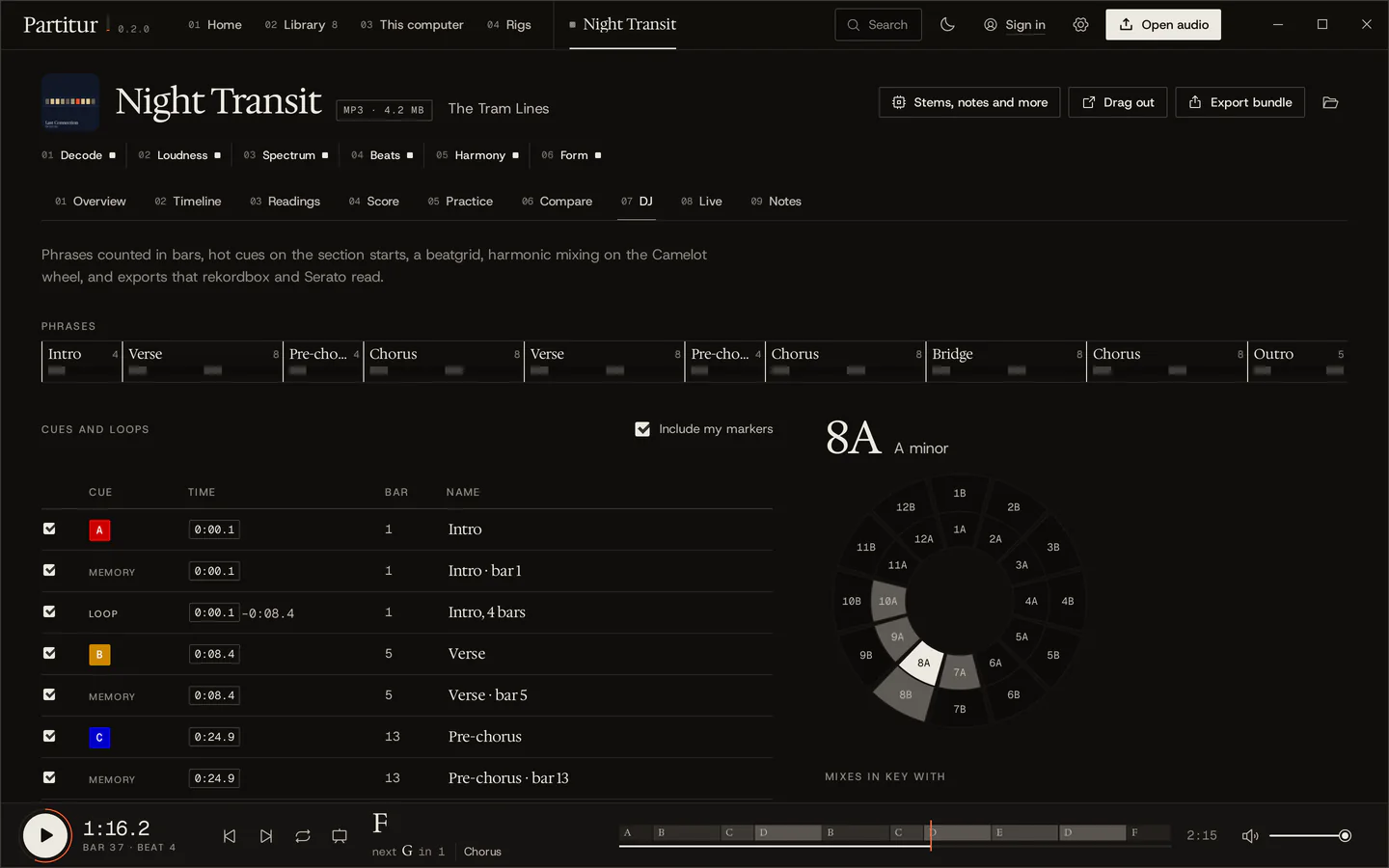
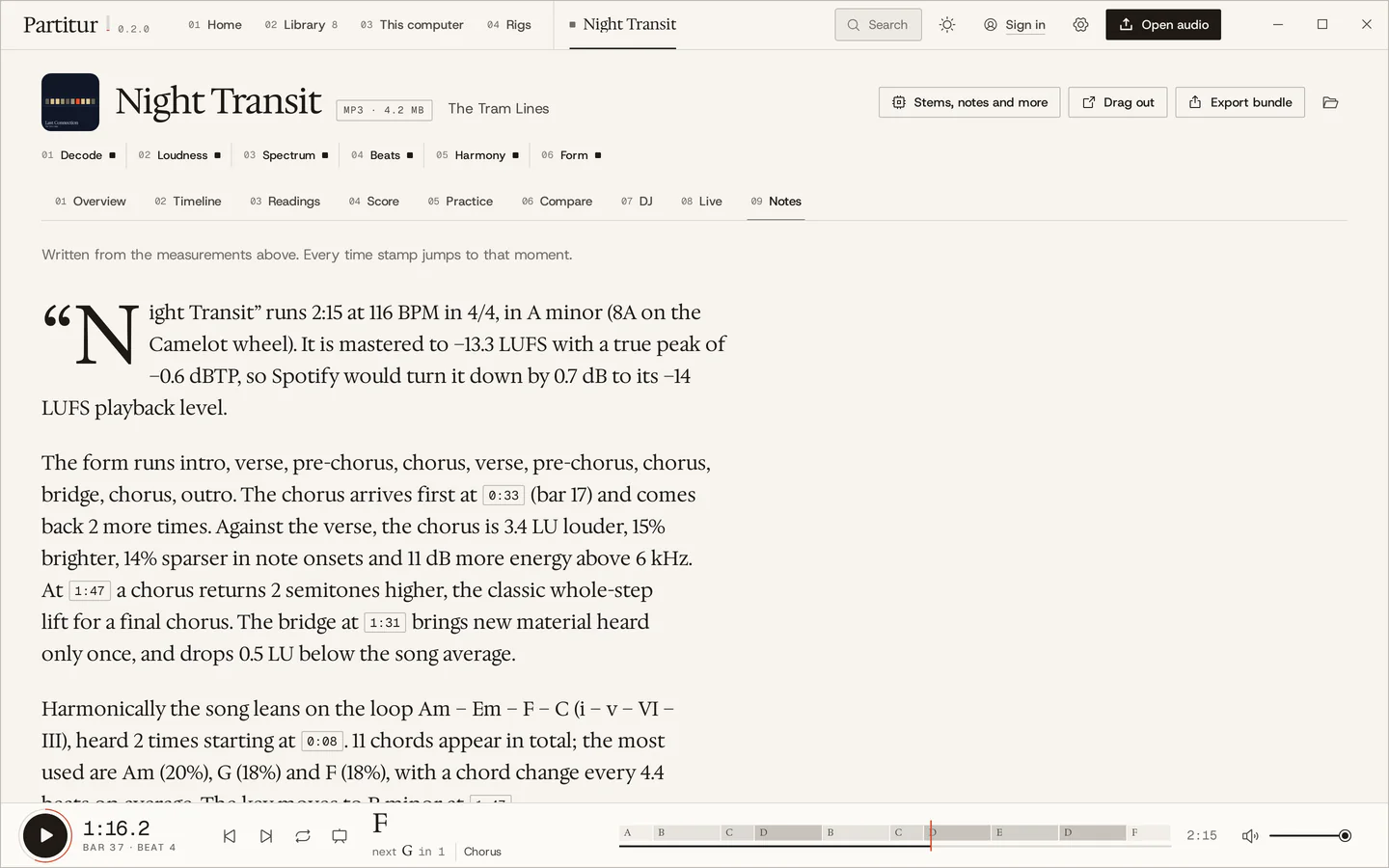
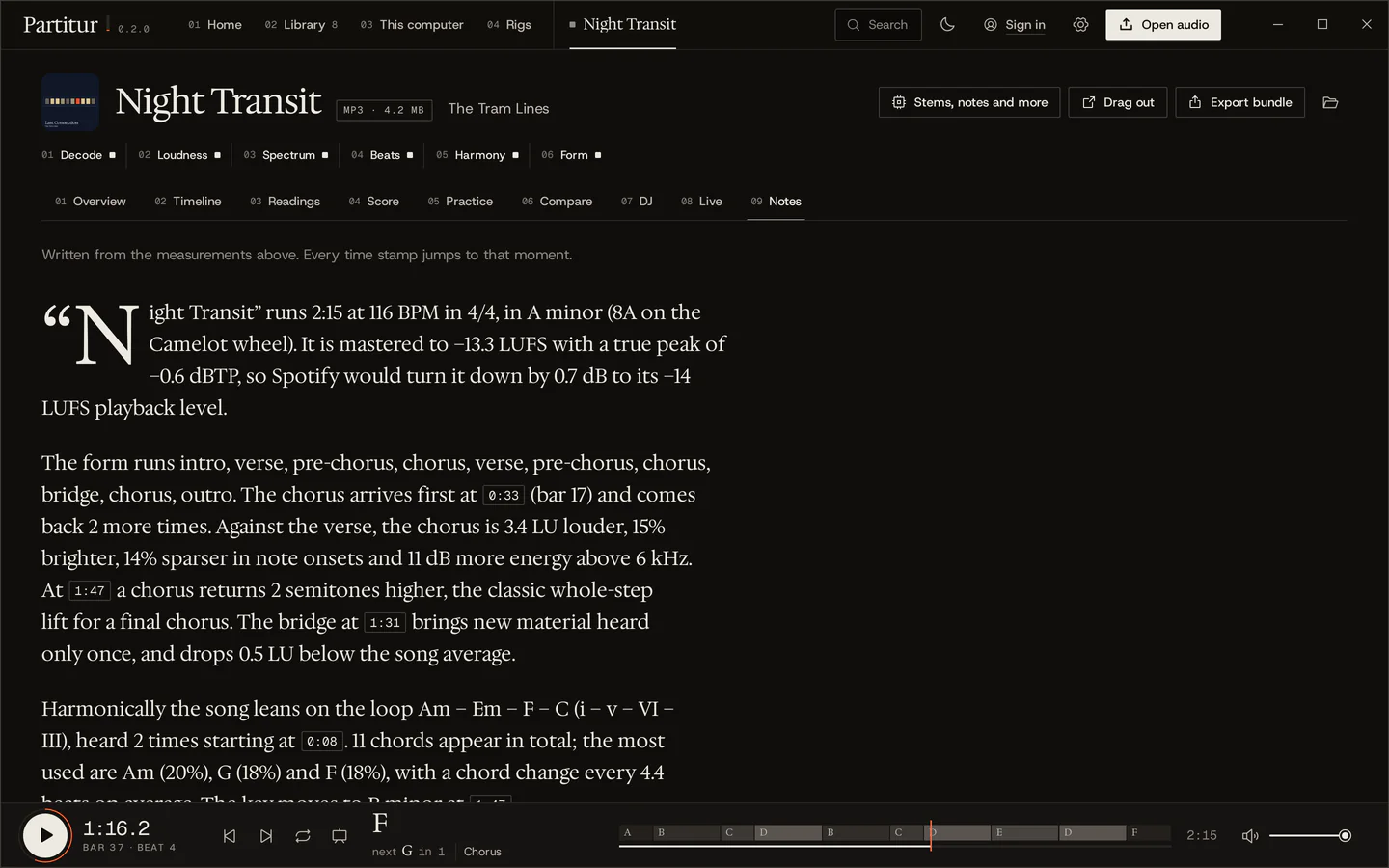
Behind the overview is the whole studio: a timeline you can zoom, how sure each reading is, the song engraved as sheet music, practice tools, a comparison against a reference, DJ cues and liner notes written from the measurements.
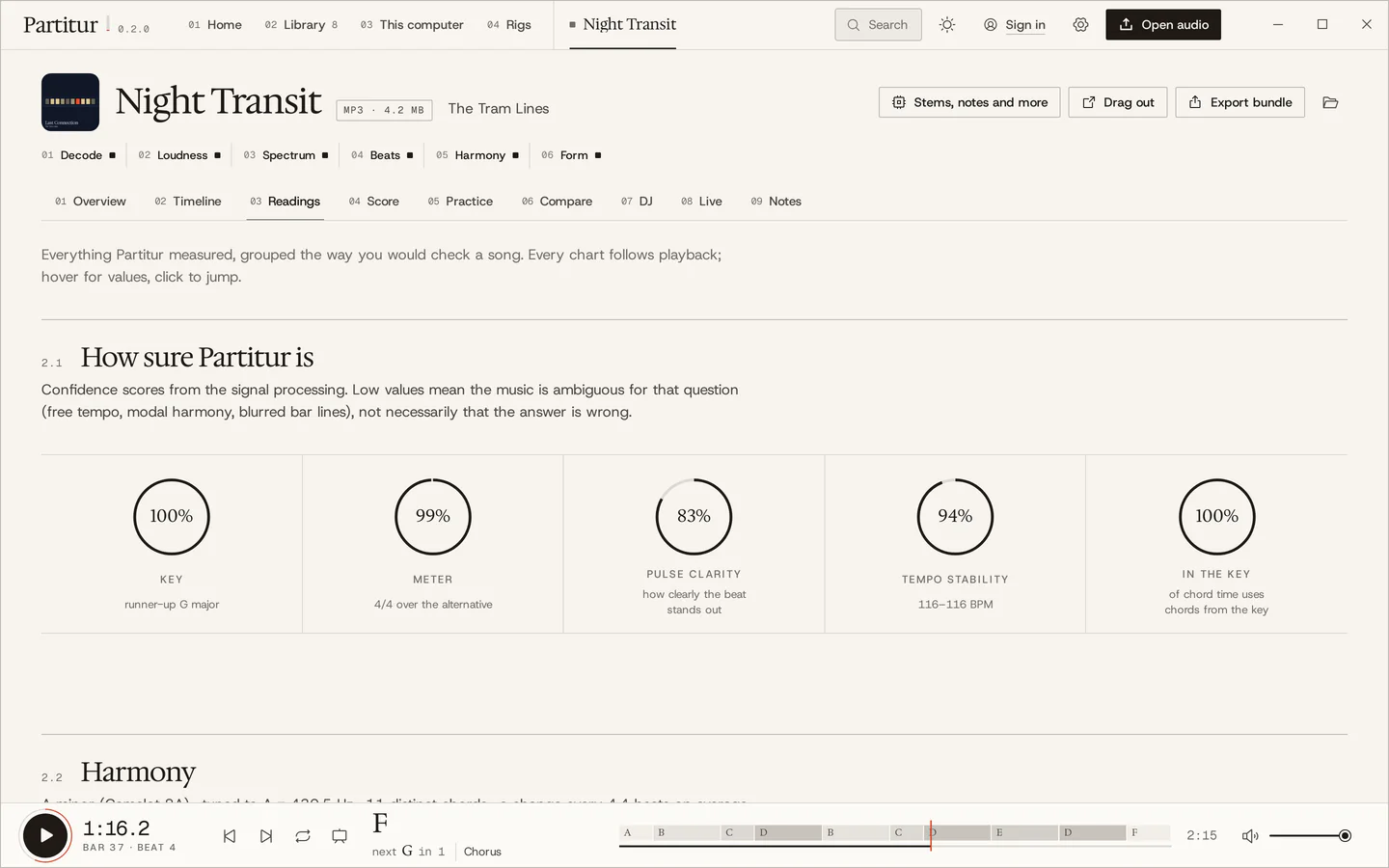
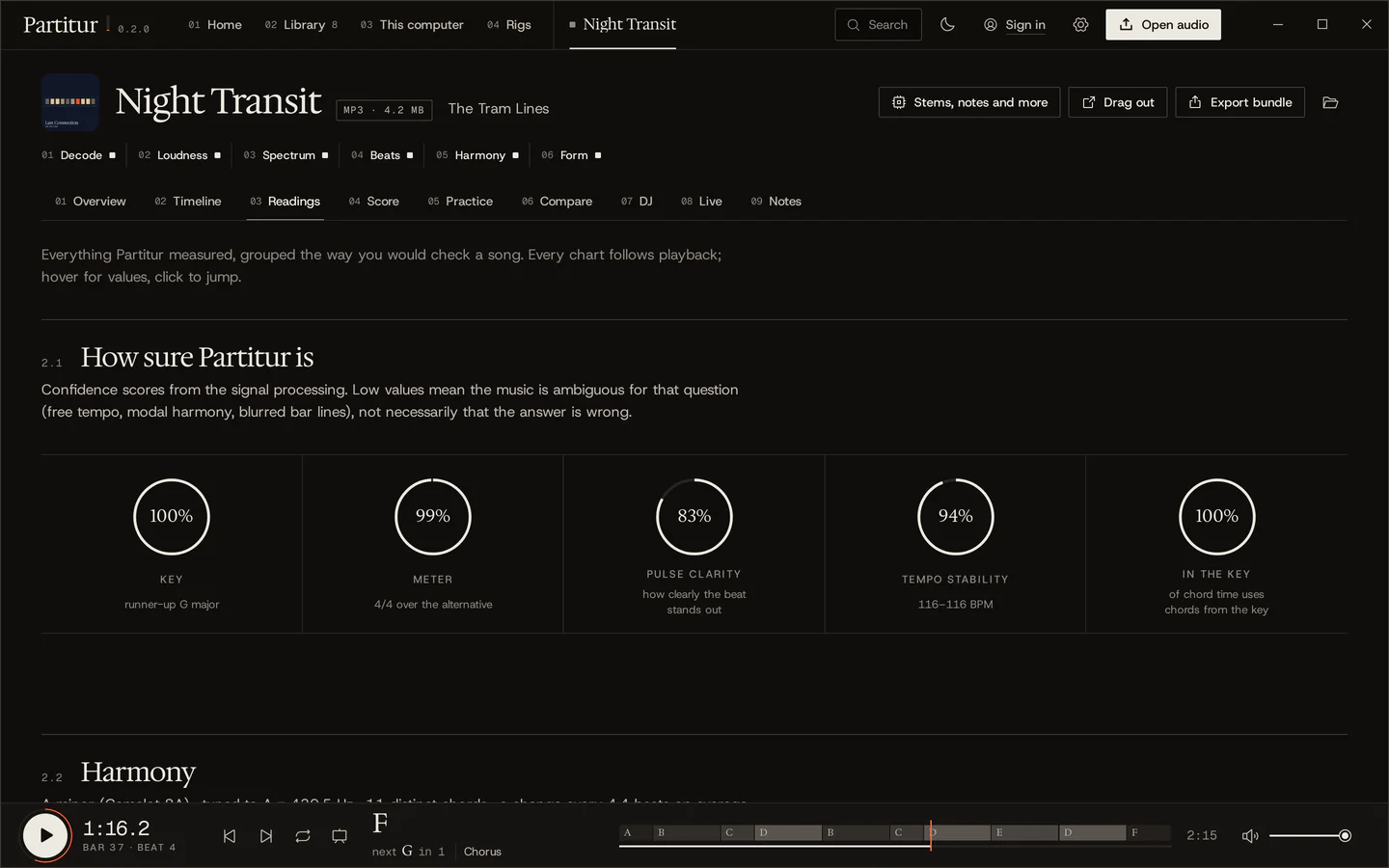
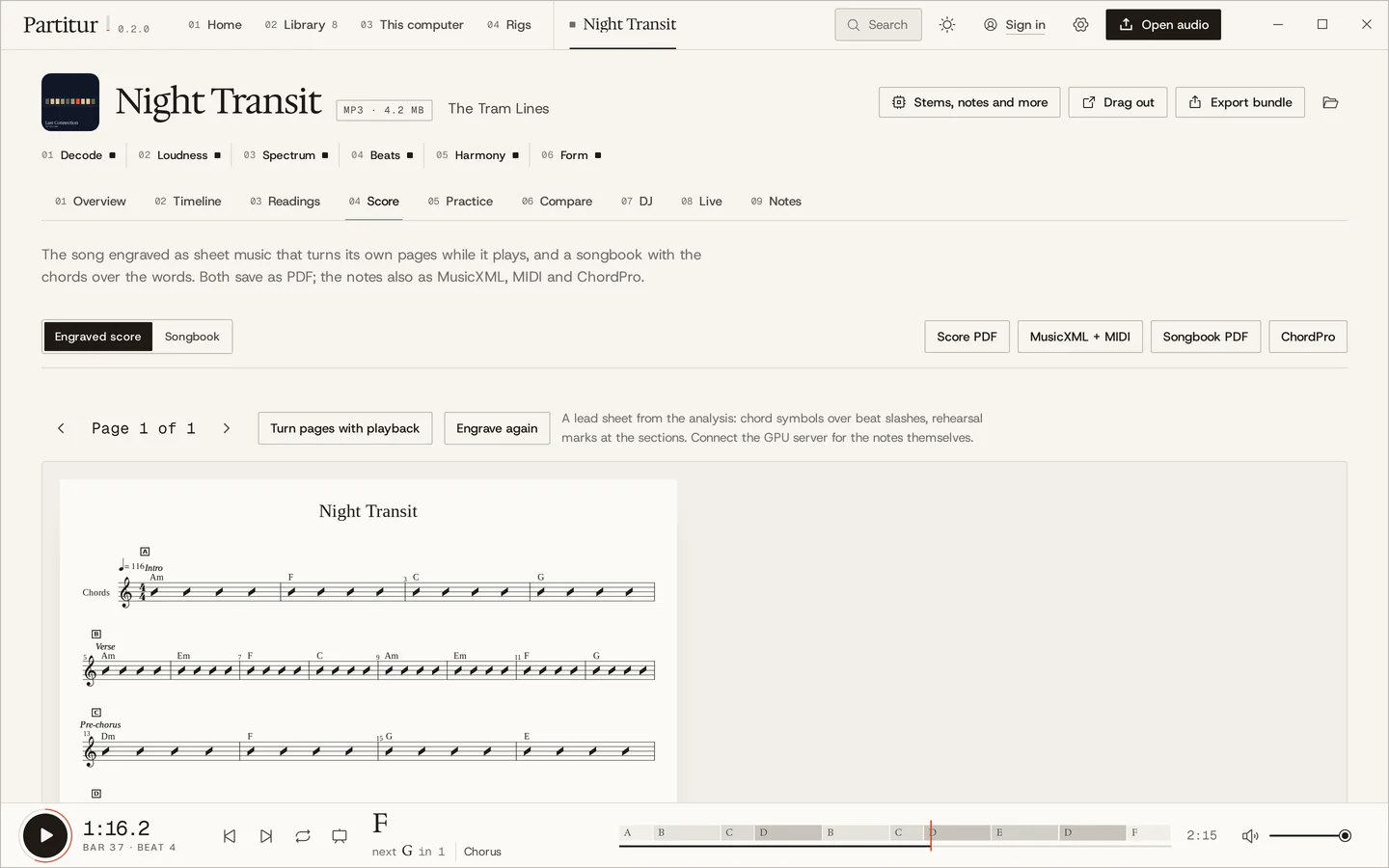
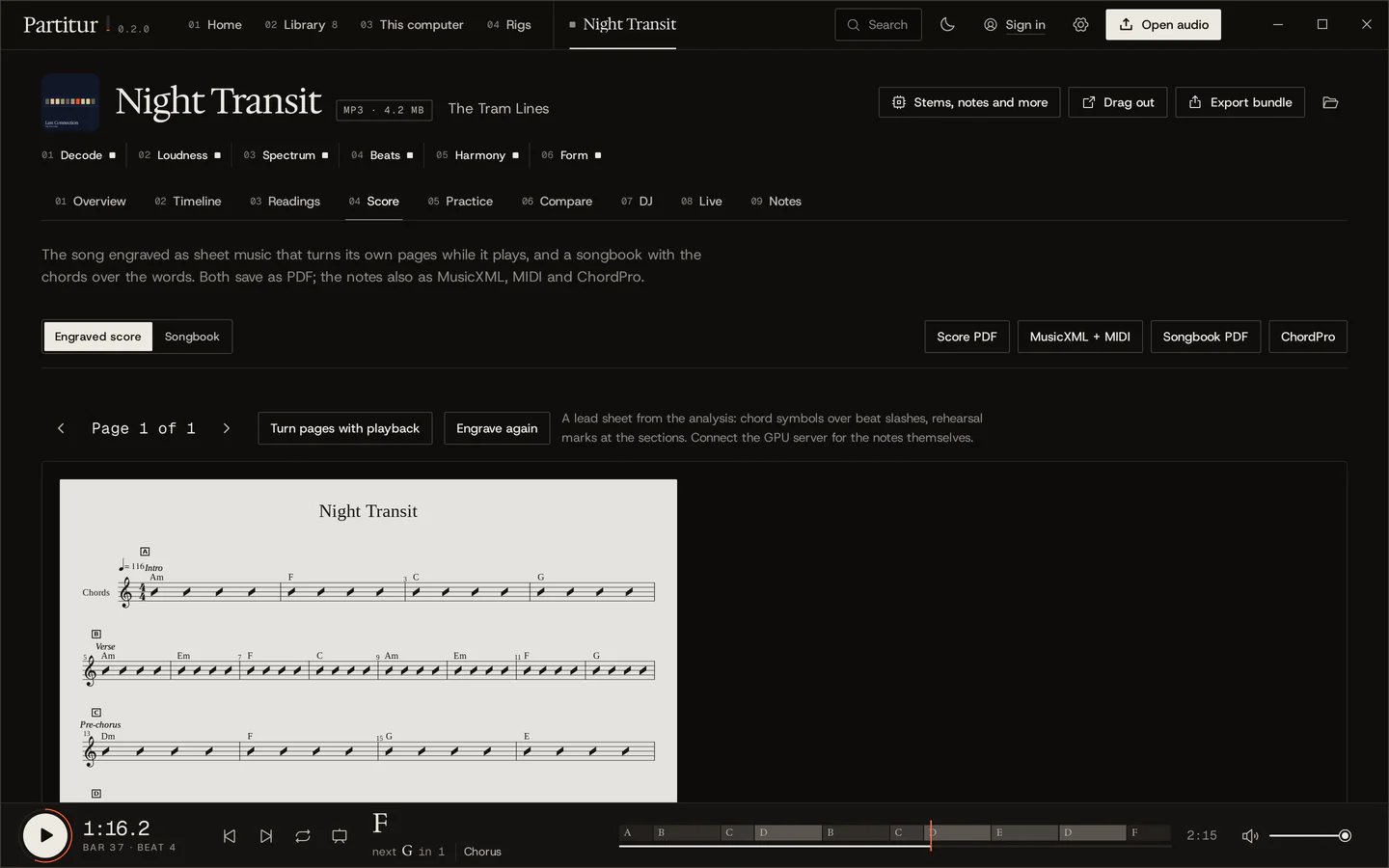
Practise the hard bar, not the whole song.
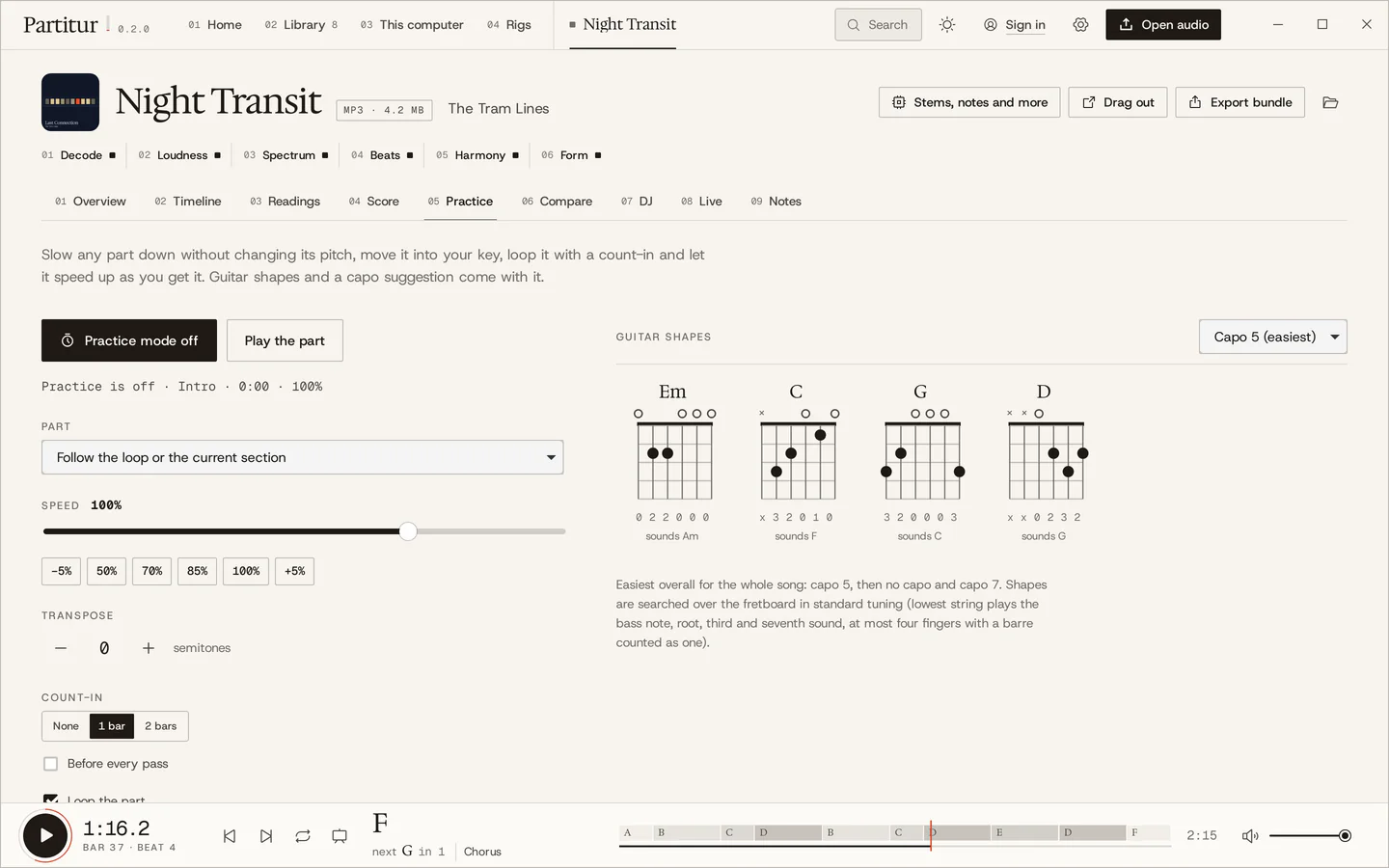
Loop any part, slow it down without changing its pitch, move it into your key, count yourself in. Partitur keeps a log of what you practised and brings sections back when they are due.
-
01
Loop the hard part
Any section or any range, as many passes as it takes, with a bar of clicks to count you in first, or before every pass.
Pass 1Night Transit, bars 9 to 20
-
02
Slow it down, keep the pitch
From 40 to 125 % speed with the pitch where it was. The speed trainer starts slow and goes up 5 % every two passes until you are at tempo.
Speed70%Tempo81BPMPitchA = 440 Hzunchanged at every speed- 70
- 75
- 80
- 85
- 90
- 95
- 100
-
03
Move it into your key
Up or down by as much as six semitones. Every chord view follows, spelled for the key you end up in.
Pre-chorus · bars 13–16 · A minorTranspose0semitones- Dmiv
- FVI
- GVII
- EV
A minor B minor, up 2: Em G A F♯
Night Transit does this itself: its last chorus comes back two semitones up, in B minor, at bar 53.
-
04
Guitar shapes, and where to put the capo
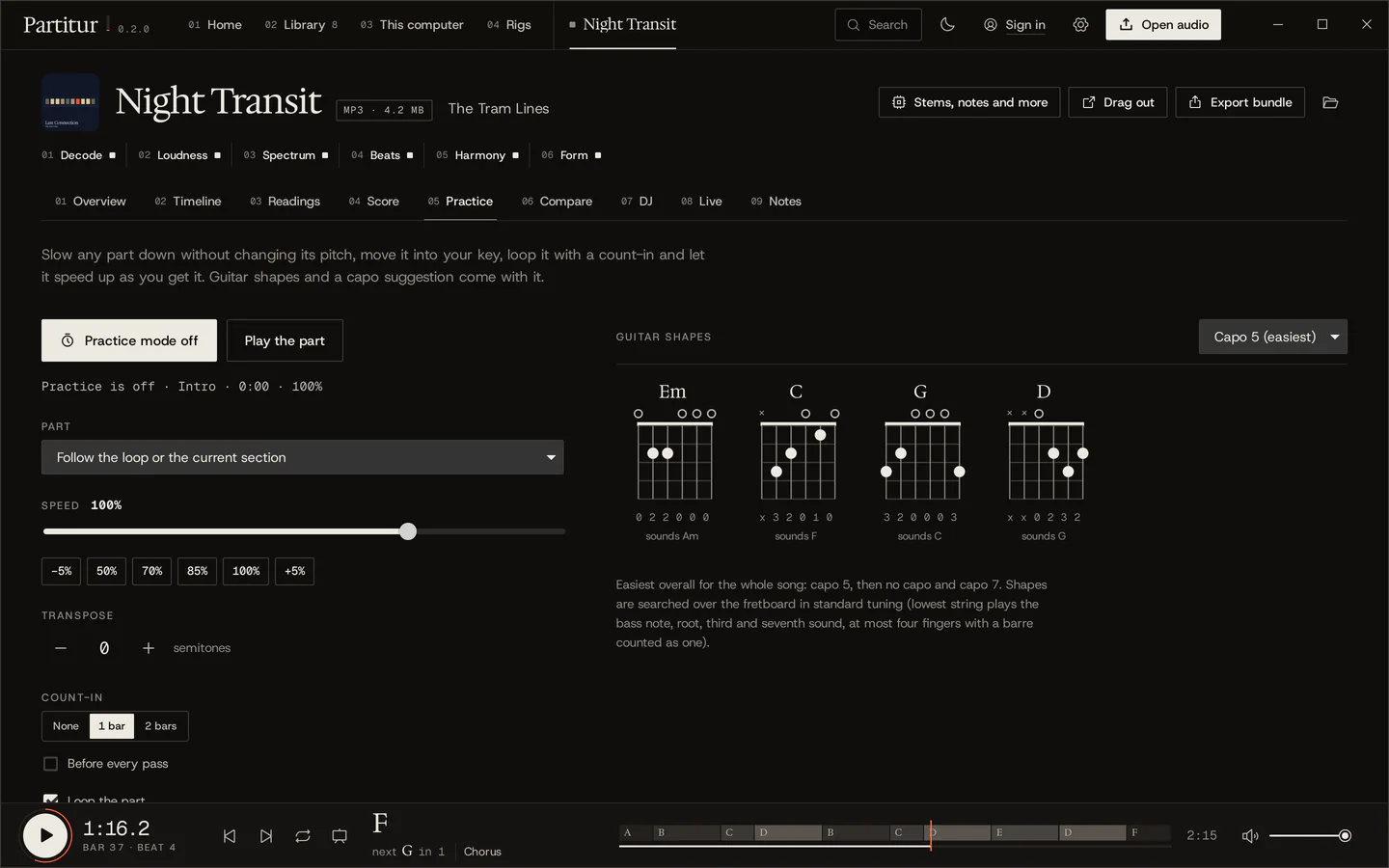
The easiest shape for each chord in standard tuning, and the capo position that makes the whole song easiest to play. For Night Transit that is fret 5.
Chorus · standard tuningCapo 5the easiest for this songsounds F sounds G sounds Am sounds C -
05
A log that brings it back
Time spent looping or slowed down counts as practice by itself. A spaced-repetition schedule brings each section back when it is due, on Home.
Pre-chorus · practice logDue today, on HomeReviewed after 2 minutes or 4 passes. A hard one comes back tomorrow; one that goes fine comes back 1, 3, 8, then 20 days later.
-
06
Play along
Play into the microphone with the song: every chord change you hit, and how close to the beat you are, section by section. Nothing is recorded.
Play along · chorus- F
- G
- Am
- C
EarlyLateWhat it listens for: most of the sound on the chord's tones, and your notes' onsets against the beat.
Ready for the stage.
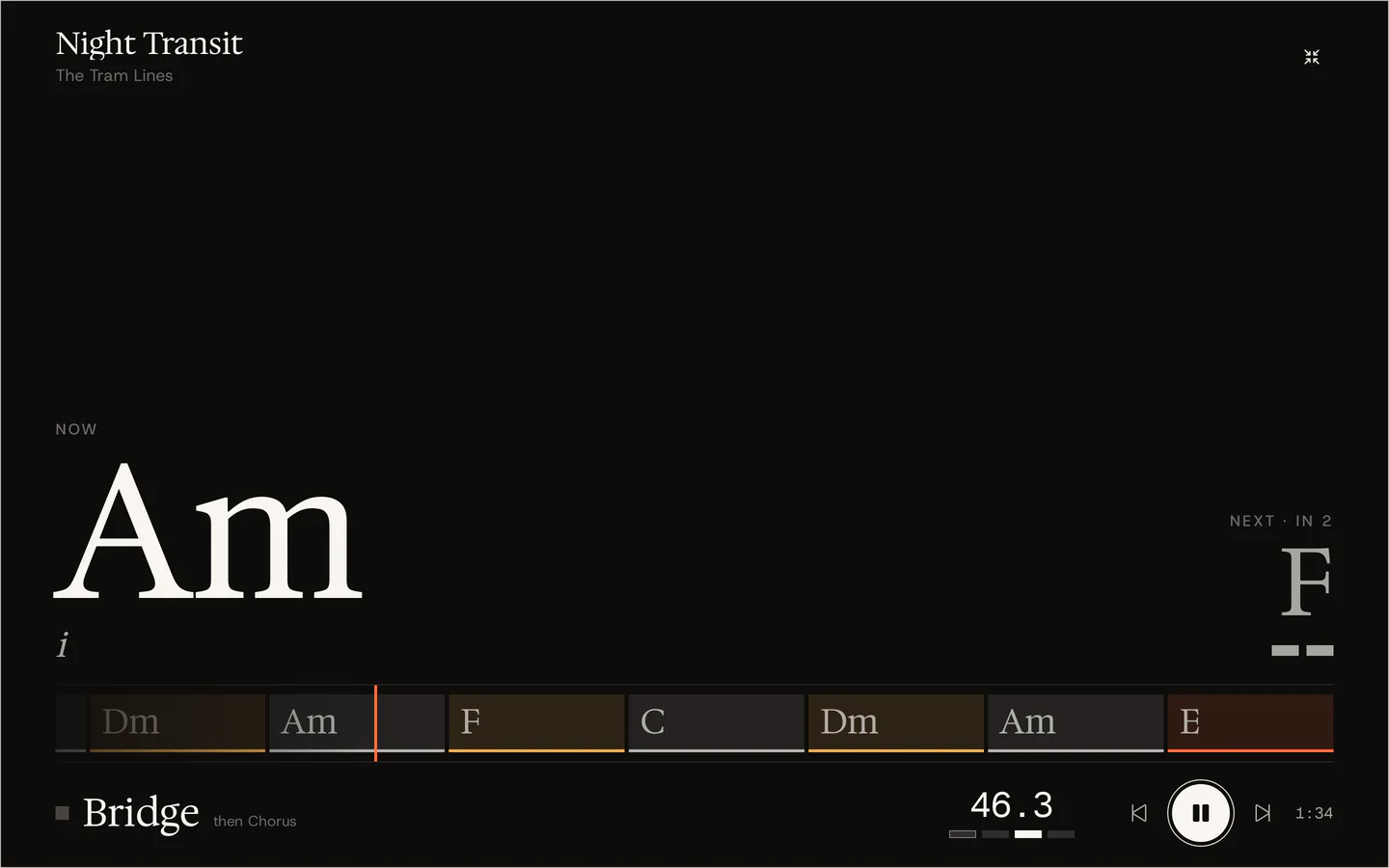
Stage mode puts the song on the whole screen, readable across a room: the chord now and next, a beat countdown, the lane of chords to come, the section. Page-turner pedals step through the set.
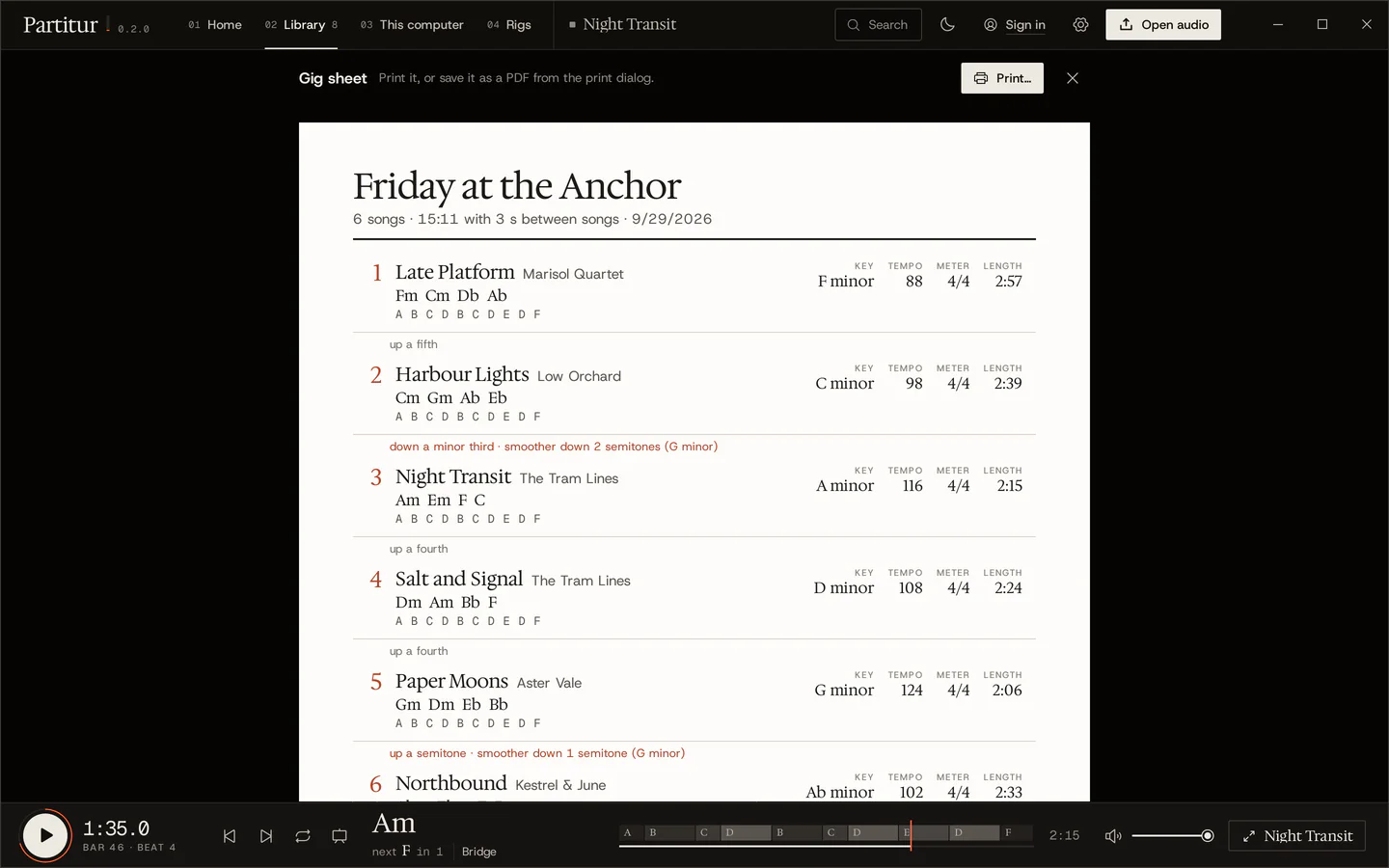
Small plates over a game, a DAW or a video call: the chord, the bar and beat, the section. Every click goes through.
The song's tempo and bars for Live, Bitwig and every Link app on the network, tempo changes included.
24 pulses a beat along the song's own grid, with start, stop and song position, for drum machines and sequencers.
A MIDI foot pedal or pad can play, loop, slow down and step through a set. Press Learn, then the pedal.
Every song, kept like a record.
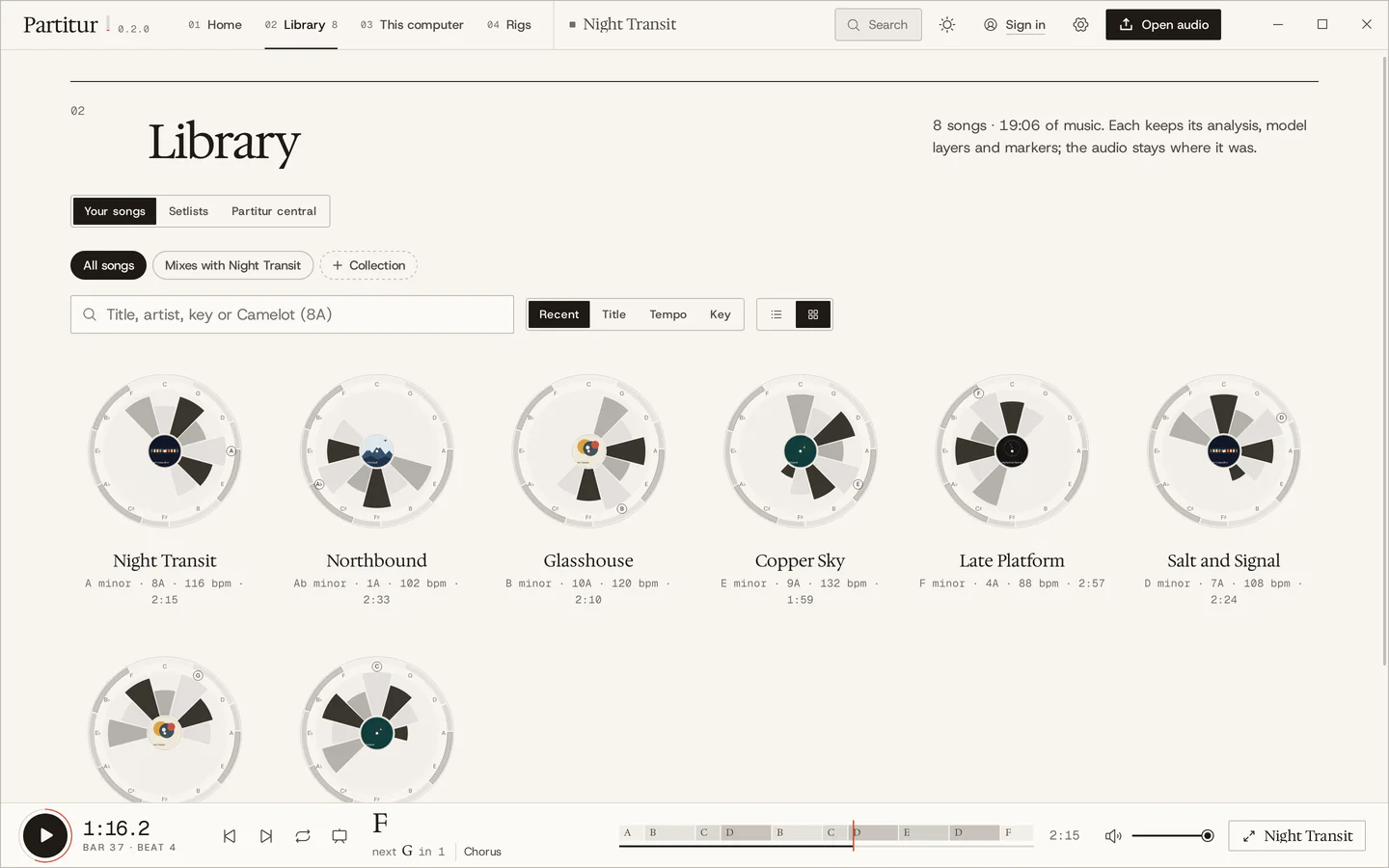
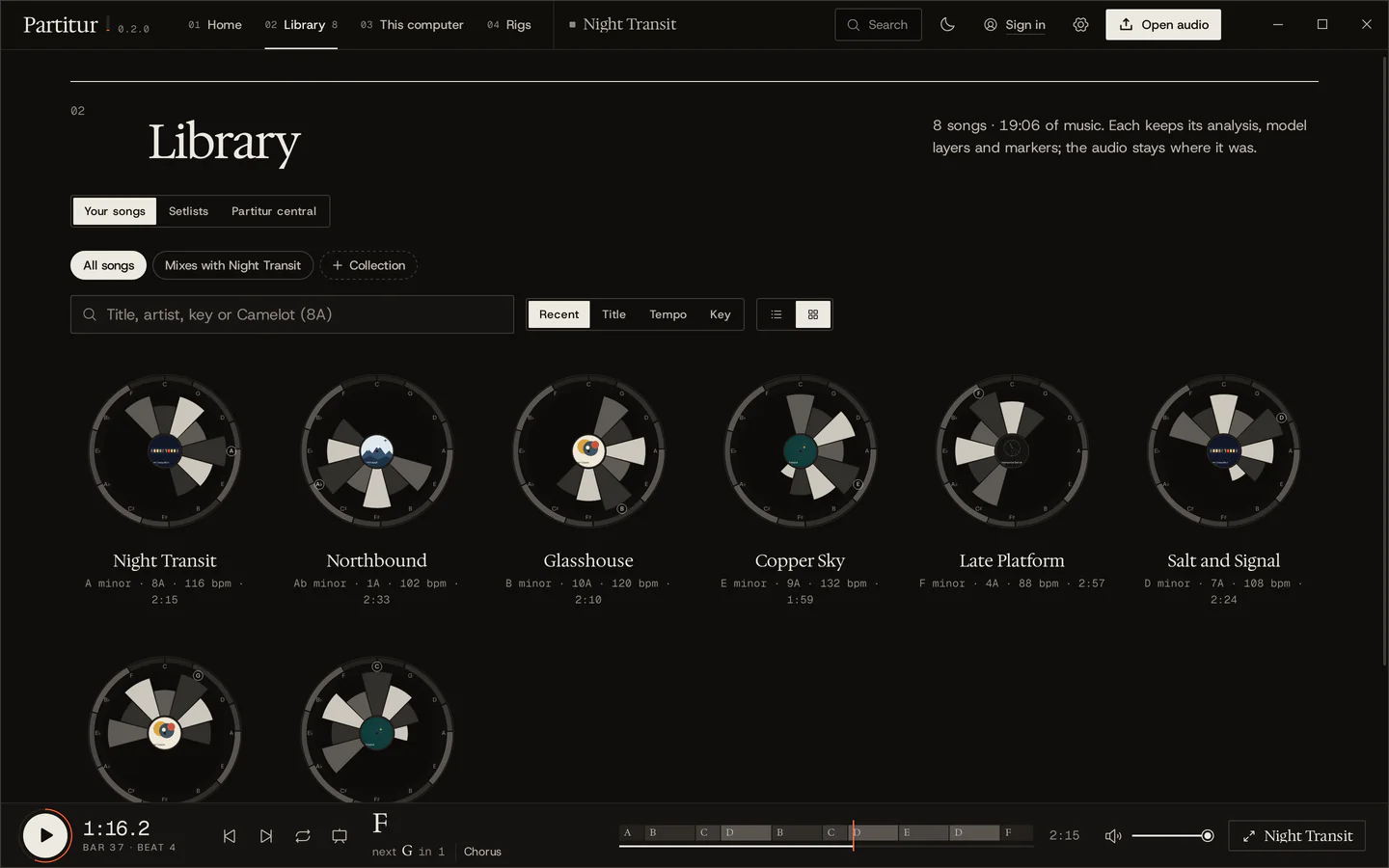
Every song you open lands in your library with its analysis, so it reopens at once. Each one gets its song clock: the sections around the rim, the chords on the circle of fifths, its cover as the label.
Night Transit, as a song clock
- Rim
- Its ten sections, clockwise from the top, the choruses darkest; a tick every four bars.
- Petals
- The chords' roots on the circle of fifths, longer the more of the song they take.
- Shade
- The chord's job in the key: tonic light, predominant mid, dominant dark.
- Hub
- Its key and tempo; with a cover, the record's label.
Give it a spin: drag the record, or just scroll. Click a petal to hear its chord.
Has someone analysed it already?
Songs people have shared with Partitur and named. Open the same recording in Partitur and its analysis is there at once, without being analysed again.
- 01Collections that fill themselves
Songs that mix with the one you're on (neighbouring Camelot keys, a tempo within 6 %), songs due for practice, your own rules.
- 02Watched folders
New audio in a folder you choose joins the library and is analysed in the background, only while nothing plays.
- 03Open with, drag out
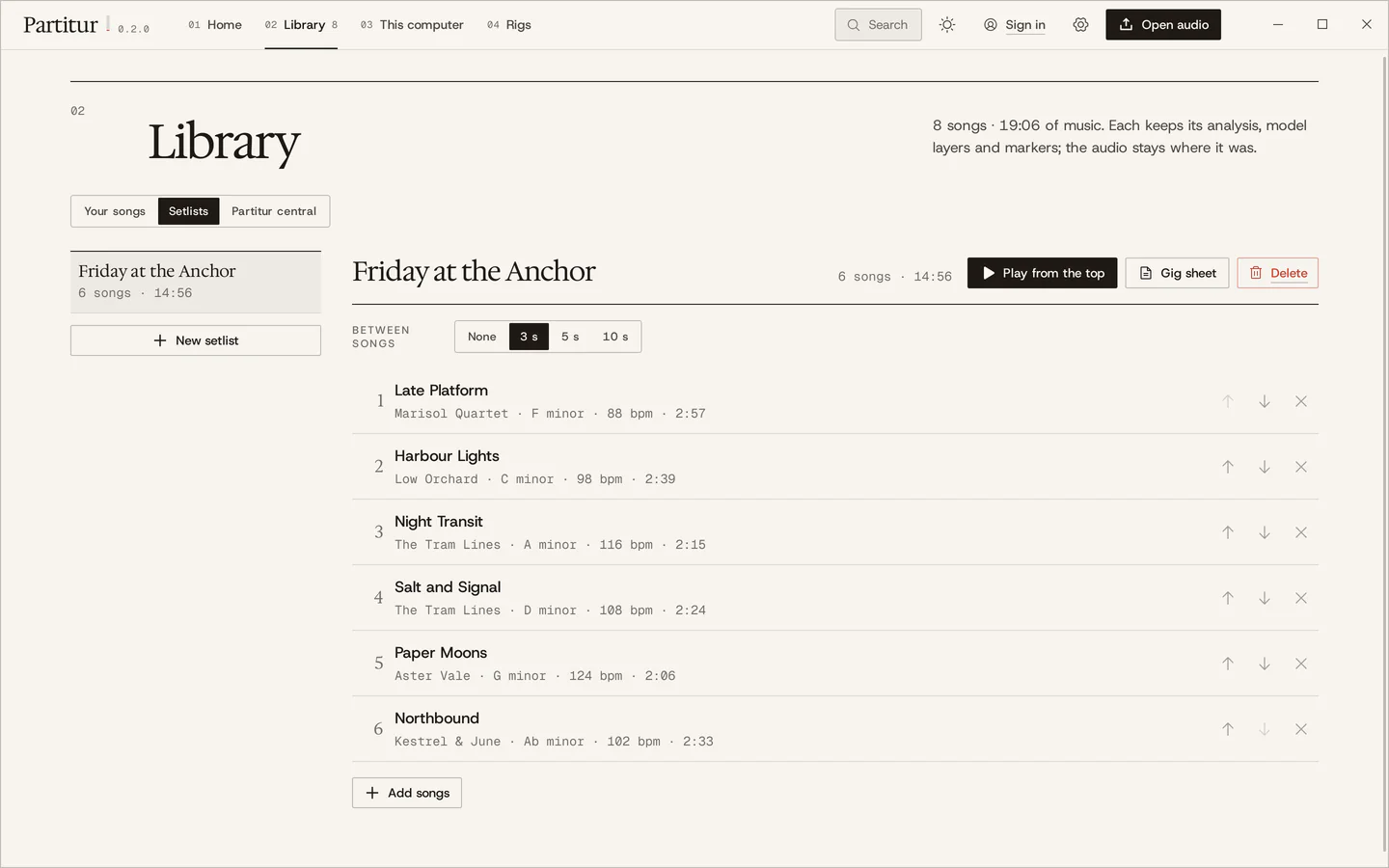
Open songs from your file manager; drag a song's MIDI, MusicXML, ChordPro or audio straight into a DAW or a notation program.
- 04Keyboard first
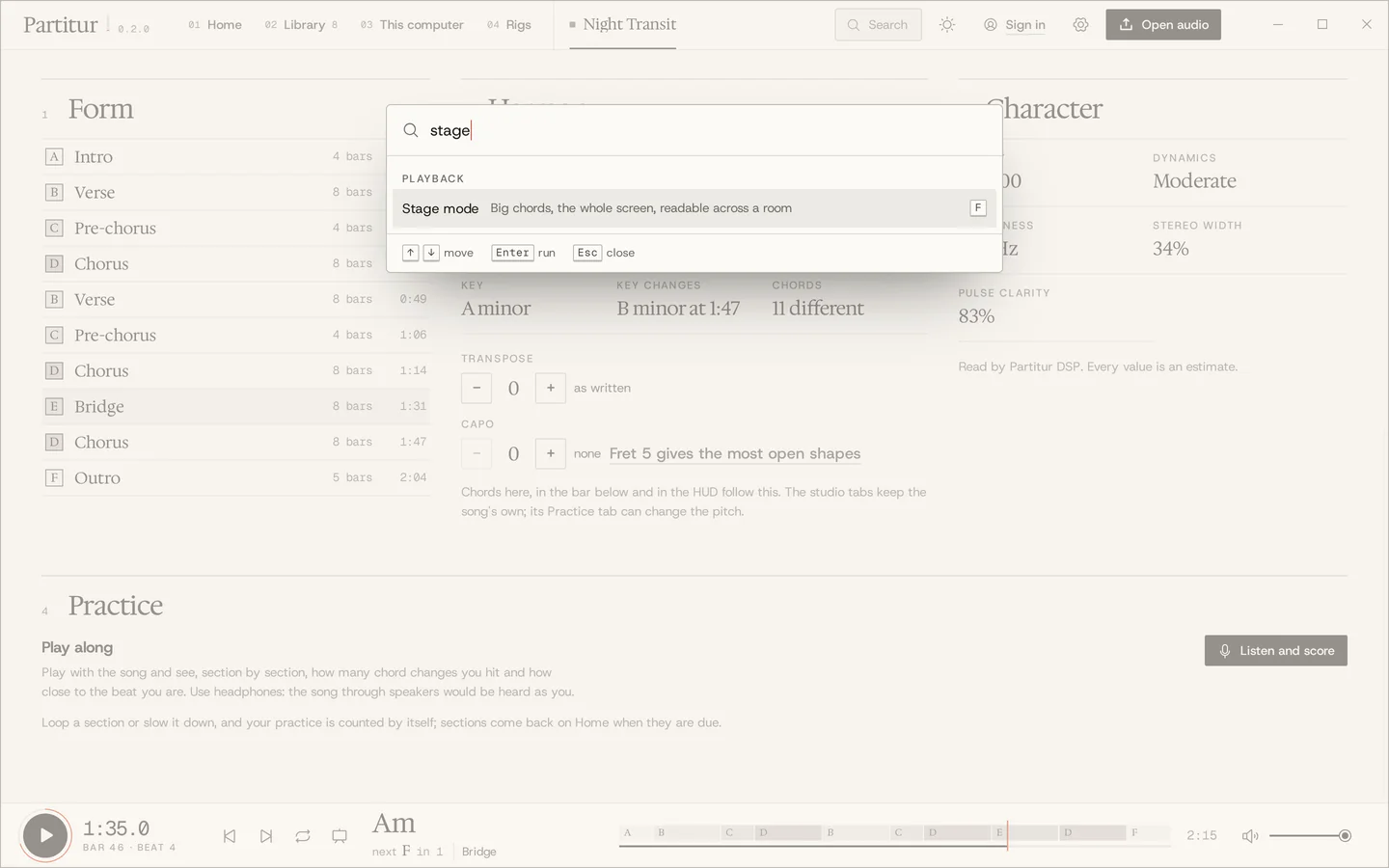
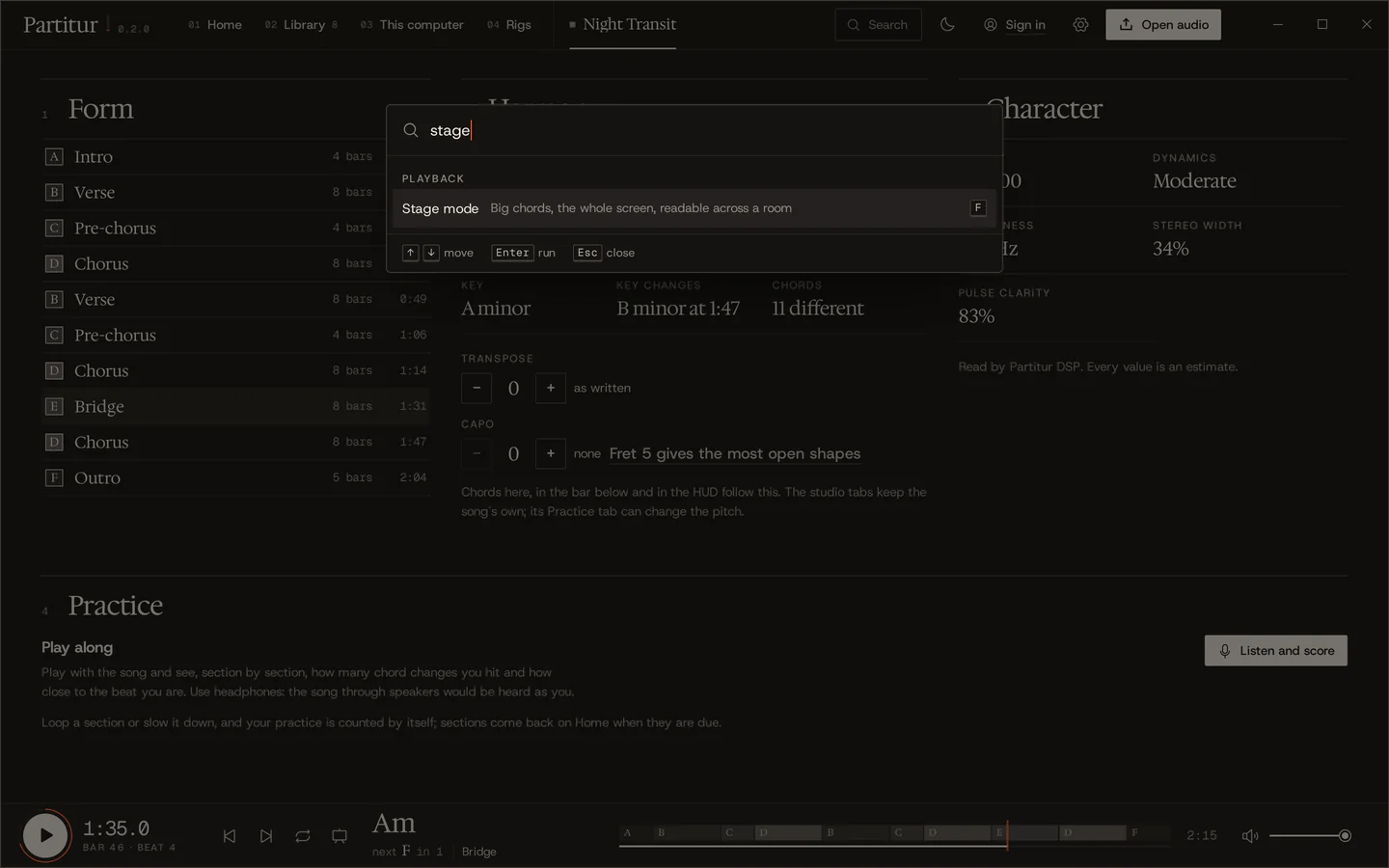
CtrlK(⌘Kon a Mac) finds any song, any command, a bar or a time. It works on this page too.
Your audio stays with you.
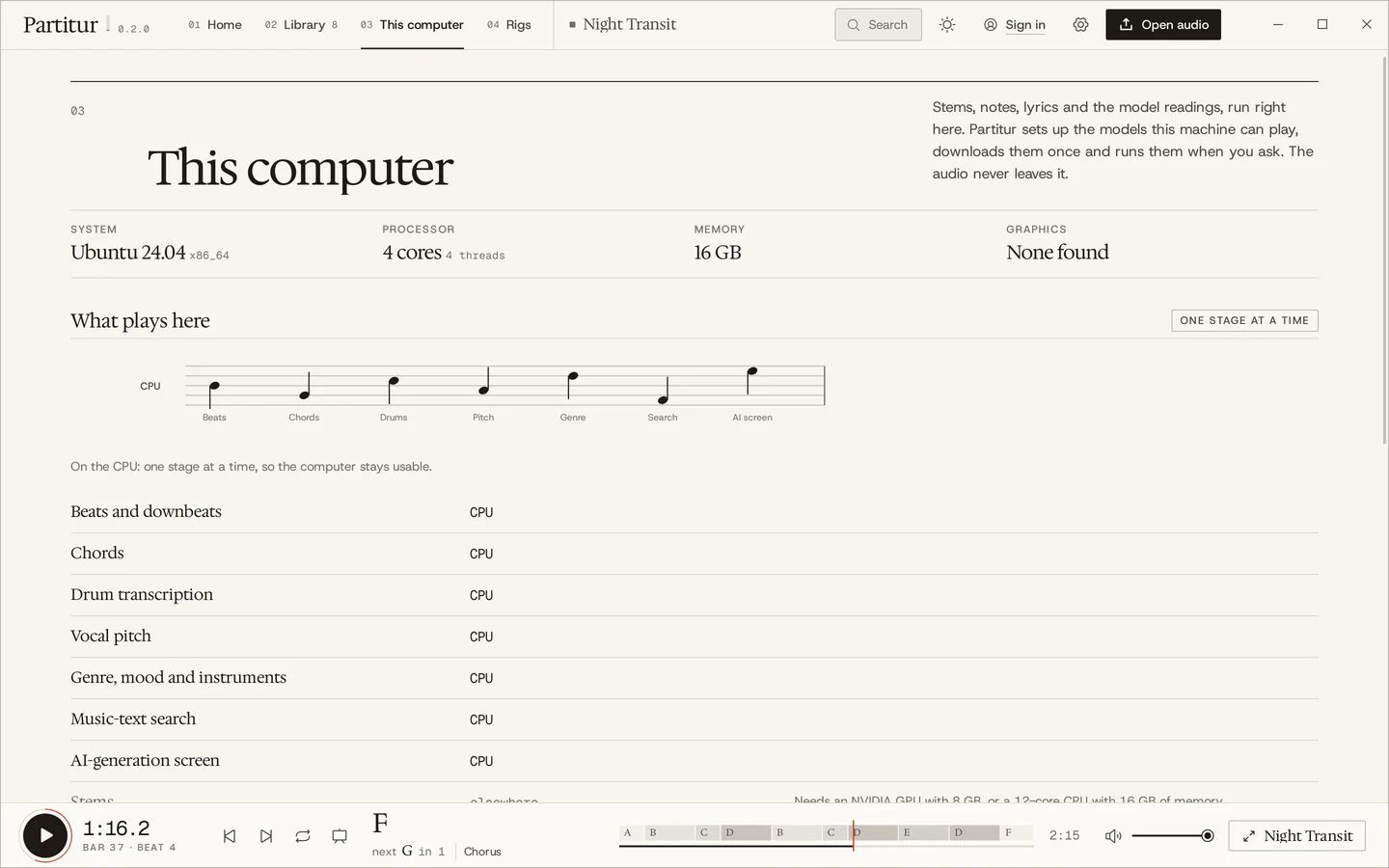
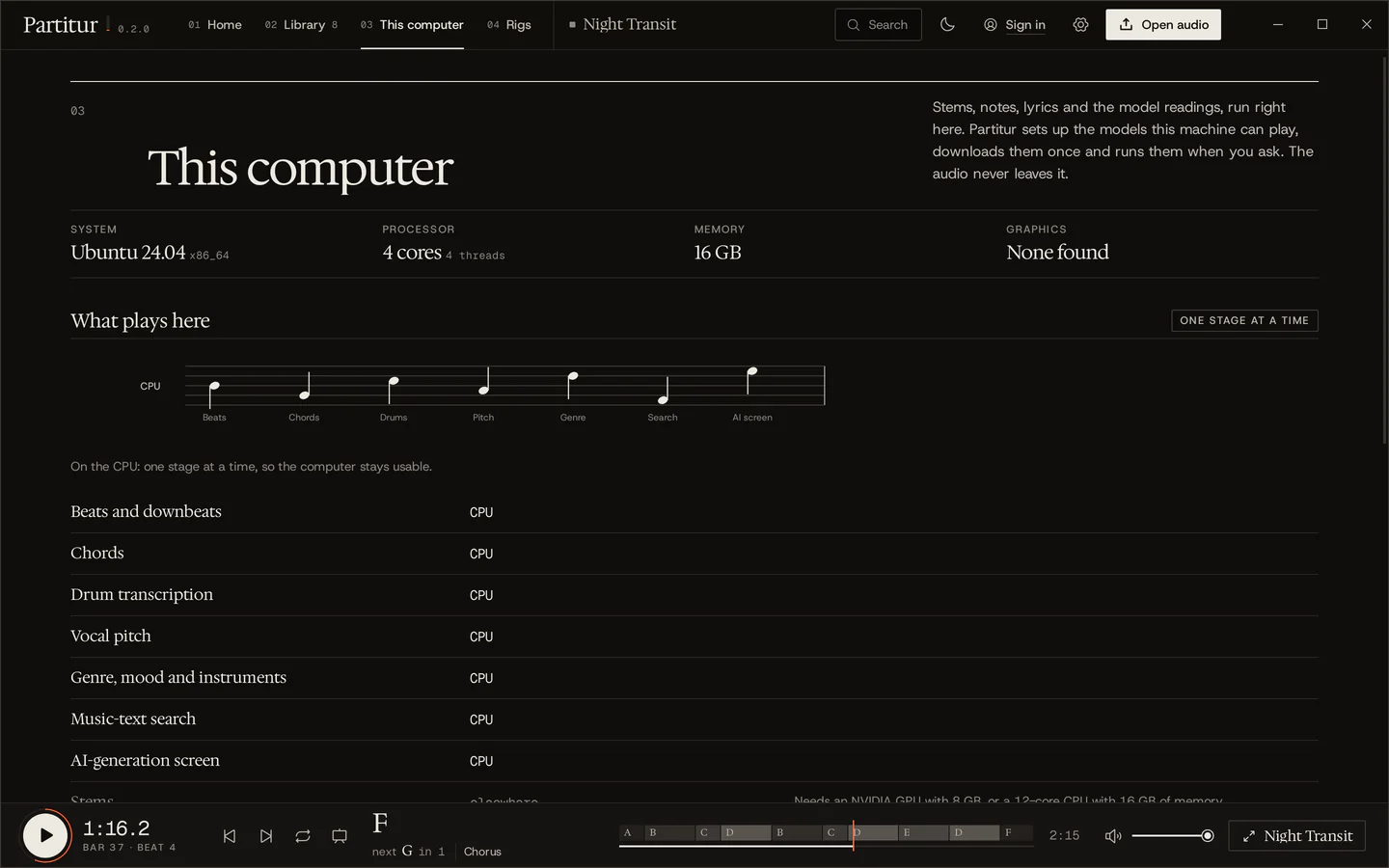
The signal analysis (beats, chords, key, form, loudness) always runs on your computer. The heavier work, stems, notes, lyrics and the model readings, runs where you choose.
Partitur sets up the models this machine can run, with one button, and runs them one stage at a time so the computer stays usable.
Paused for now, while we make sure every model we would run there may be offered that way. When they return: with an account, for credits, with a free monthly allowance.
A computer of yours with a graphics card, paired with your account. Your runs go there, at no cost.
- No tracking.
The app has no analytics and no ads, and it sends a crash report only when you have read it and said so. The website has none either: no cookies, no analytics. It asks GitHub which release is the newest, and Partitur's server only when you search for a song.
- Songs are asked about by a fingerprint.
A song you open is looked up by a hash of its encoded audio, never the audio, so no song is analysed twice. You can turn it off.
- Your files stay where they are.
The library keeps the analysis in the app's data folder; your audio files aren't copied or moved.
- Sign-ins stay out of the page.
The app keeps your sign-in in the system's keychain. An account is only for GPU runs and keeping libraries in step.
Take it home.
Free, for macOS, Windows and Linux. Pick the file for your computer; the steps to install it are right beside it.
The first release is being engraved.
Installers for macOS, Windows and Linux appear here, and on the releases page, the moment they are published. This page reads them from there directly: nothing to sign up for.
What is Partitur?
A free desktop app for musicians on macOS, Windows and Linux. Open a recording and Partitur finds its beats, bars, tempo, chords, key, sections and loudness, puts them on one score you can play and loop, engraves it as sheet music, and gets it ready to practise and to play live. The analysis runs on your own computer.
How is it different from Chordify, Moises, Capo or Transcribe!?
Chordify analyses songs online and shares them through its catalogue; Moises is best known for separating a song into stems; Capo is a Mac and iOS app for learning songs by ear; Transcribe! is a long-standing workbench where you mark beats and sections by hand. Partitur analyses the recordings you have, on your computer, and keeps a song's chords, form, sheet music, practice and stage together. The comparison puts all five side by side, from each one's own pages, with when another tool is the better choice.
Is it really free?
Yes. Partitur is free and open source (GPL-3.0), and everything it does on your computer is free. Runs on your own rig cost nothing either. Partitur's own graphics cards, once they are back, will use credits, with a free monthly allowance.
Which files does it open?
MP3, WAV, FLAC, M4A, OGG, Opus and AIFF, up to twelve minutes, and its own .partitur.zip bundles. Drop a file anywhere in the window, or open it from your file manager.
Does it need the internet?
No. The analysis runs on your computer. The internet is used to look a song up by its fingerprint (you can turn that off), for GPU runs if you want them, and for updates.
Why does my system warn me the first time?
Because these first builds aren't signed yet: macOS and Windows warn about any app from a developer they don't know. The steps beside each download get you past it once. Each file's SHA-256 checksum is listed, so you can check it is the one published.
What does my computer need?
macOS 11 or later, Windows 10 or 11, or a 64-bit Linux. The signal analysis runs on any of them. For the heavier work on the computer itself, Partitur shows what your machine can run: stems and the song's structure need an NVIDIA graphics card with 6 to 8 GB or a 12-core processor with 16 GB of memory; notes and sheets need a card with 8 GB, the listening notes one with 12 GB. Or send them to Partitur's GPUs or your own rig.
Is there a version for my phone?
Not yet. Partitur is for macOS, Windows and Linux. You can open this page on your computer to download it, or send yourself the link.